Start with a clear prompt
Describe the subject, style, lighting, background, and final use. Nano Banana 2 Lite works best when the prompt says what should change and what must stay consistent.
Create and edit polished images from text prompts and optional reference images in a focused creative workspace.
Use text prompts alone, or upload a reference image for image-to-image editing.
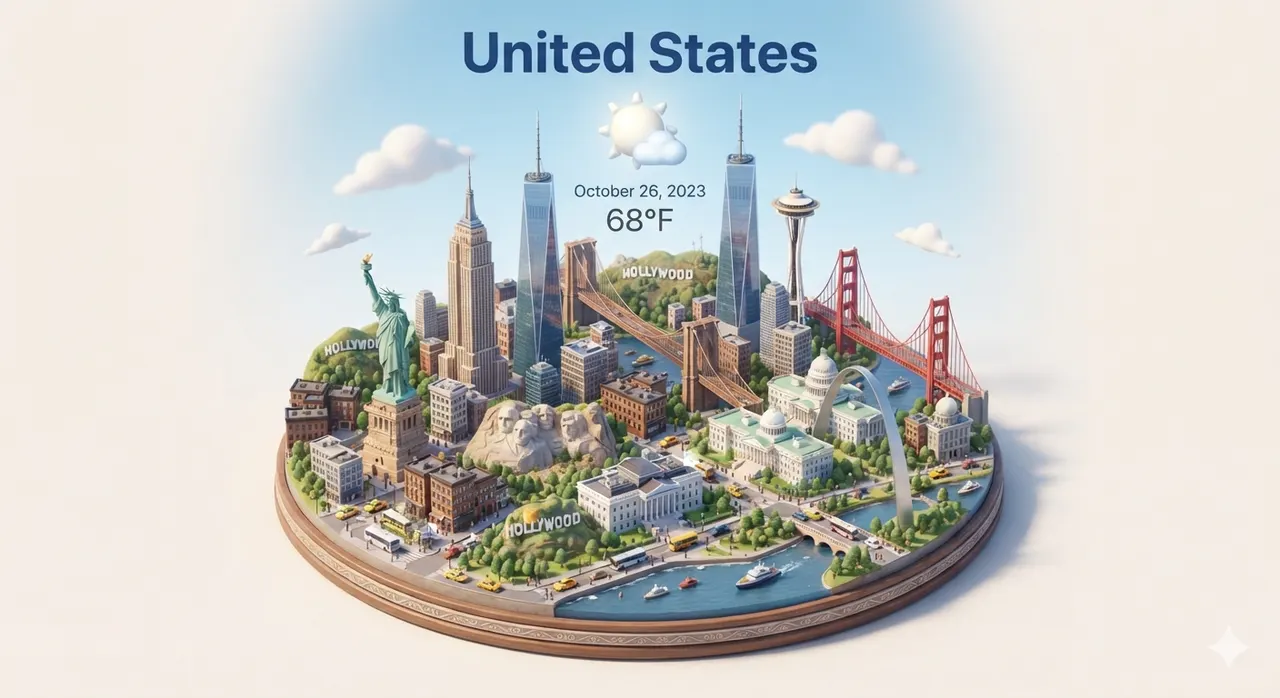
Start from high-impact templates. Open a detail page for the full prompt, or generate directly.


A focused AI image workspace for fast image generation, reference-image editing, and prompt experiments.
Describe a scene, product visual, character, UI card, thumbnail, or social post and generate a polished image.
Upload a reference image, then ask Nano Banana 2 Lite to restyle, extend, refine, or transform it.
Use practical templates for icons, outfit boards, architecture drafts, and city cards.
Use Nano Banana 2 Lite to turn a prompt or reference image into a finished visual. Start with text, upload an image when shape or identity matters, then generate and download the result.
Describe the subject, style, lighting, background, and final use. Nano Banana 2 Lite works best when the prompt says what should change and what must stay consistent.
Upload a portrait, product photo, sketch, or design when text is not enough. Use it to keep a face, outfit, object shape, pose, layout, or visual identity while changing the style or scene.
Choose a reusable Nano Banana 2 Lite pattern when you do not want to start from a blank prompt. Copy a proven structure, replace the subject, and adapt it to your image goal.
Make character concepts, portraits, product shots, line art, social images, and style variations. Keep the prompt editable so each result can lead to the next version.
Save time by reusing a prompt that already works. Change the subject, color, scene, camera angle, or format without rebuilding the whole request.
You can create images from text, transform reference images, make character concepts, edit portraits, explore product visuals, and build reusable prompt-based image styles.
No. You can use Nano Banana 2 Lite with text only. Upload a reference image when you want to preserve a face, product shape, outfit, sketch, composition, or visual identity.
No. These examples are optional. They help when you want a proven Nano Banana 2 Lite prompt structure instead of writing from scratch.
Start with the subject and purpose, then add style, composition, lighting, background, format, and any reference-image rules. Be clear about what should stay the same.
Use the home generator for general Nano Banana 2 Lite creation. Use a dedicated page when you already know the task, such as character generation, character design sheets, or line art conversion.
Related guide
If you want a faster way to write prompts that work, start with the guide and then return to the library.