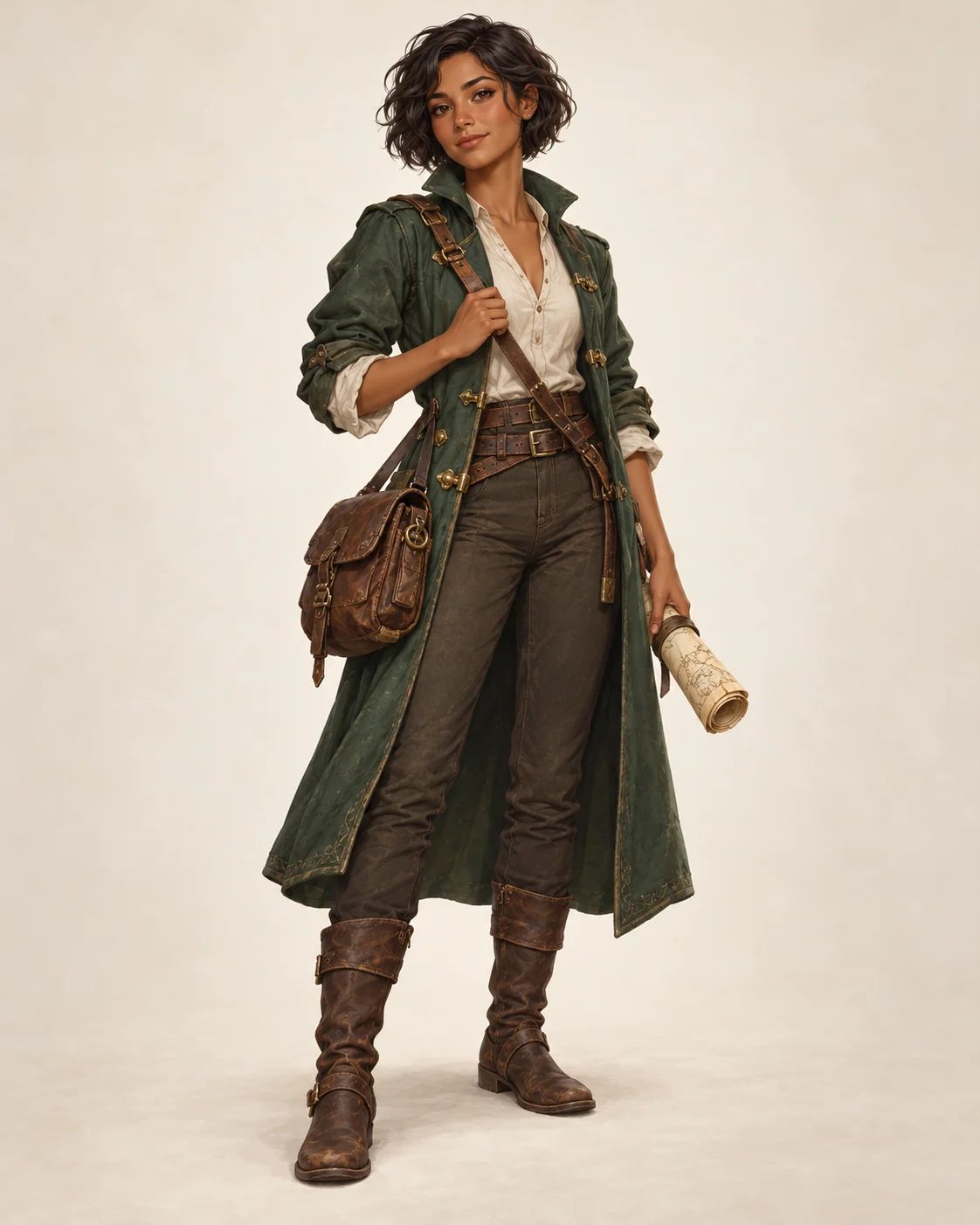
What is a Semi-Realistic Character Generator?
A semi-realistic character generator creates illustrated character art with more grounded facial volume, anatomy, materials, and lighting than a highly stylized anime look. It remains artwork rather than a photograph, and reference-based results can vary.
Reference-Based Generation
Use an existing character image, avatar, or sketch as visual guidance while changing pose, lighting, framing, or rendering style. The result may not retain an exact likeness.
Natural Character Poses
Create standing poses, action stances, portrait poses, or full-body character references with believable balance and readable silhouettes.
Semi-Realistic Rendering
Blend expressive stylization with grounded face volume, skin texture, hair shapes, fabric detail, and cinematic lighting.
Consistent Identity
Repeat defining details such as face shape, hairstyle, outfit, colors, and accessories in your prompt. Generated variations may still differ.
Common Uses for Semi-Realistic Character Art
This style is useful for exploring a character concept before committing to a final illustration or production asset.
Original-character portraits
Explore an OC's face, clothing, expression, and lighting in a single portrait composition.
Game and story concepts
Draft a visual direction for a tabletop character, NPC, or story protagonist; treat the result as concept art that may need editing.
Profile and avatar ideas
Create an illustrated profile image with a more dimensional finish than a flat cartoon style.
How to Generate a Semi-Realistic Character
Use this page when you want a finished character image, a pose variation, or a stronger semi-realistic prompt structure.
1. Upload a Character Reference
Upload a portrait, avatar, sketch, or full-body character image as visual guidance. Clear lighting and visible details make it easier to describe what should carry into the new image.
2. Choose a Preset
Select a preset thumbnail to load a semi-realistic character prompt, then edit it for the pose, outfit, and setting you want.
3. Add Pose and Style Details
Describe the pose, expression, outfit, hairstyle, lighting, camera crop, and realism level. Mention which reference details should guide the result; exact likeness is not guaranteed.
4. Generate and Continue
Click Generate to create the image. After generation finishes, the result opens in the workbench output area for download or further editing.
Semi-Realistic Character Writing Tips
A focused prompt names the character, pose, expression, clothing, materials, lighting, camera framing, background, and the balance between stylized and realistic detail. If you use a reference, describe which visible details should guide the new image; exact likeness is not guaranteed.
When Semi-Realistic Character Art Works Best
Try this style for original-character portraits, game concepts, and avatars that need an illustrated finish with more believable structure than a flat anime treatment. For fully anime-styled art, use the Anime Character Maker; for a multi-view reference, use Character Design Sheet Generator.