Character Tools

AI Character Generator

Start with an original character idea or a reference image, then shape a portrait, avatar, or character concept. Use the focused tools below when you already know you want anime styling, semi-realistic rendering, or a multi-view design sheet.

Start creating

Add a reference, choose a direction from the examples, then refine the prompt.

Style presets
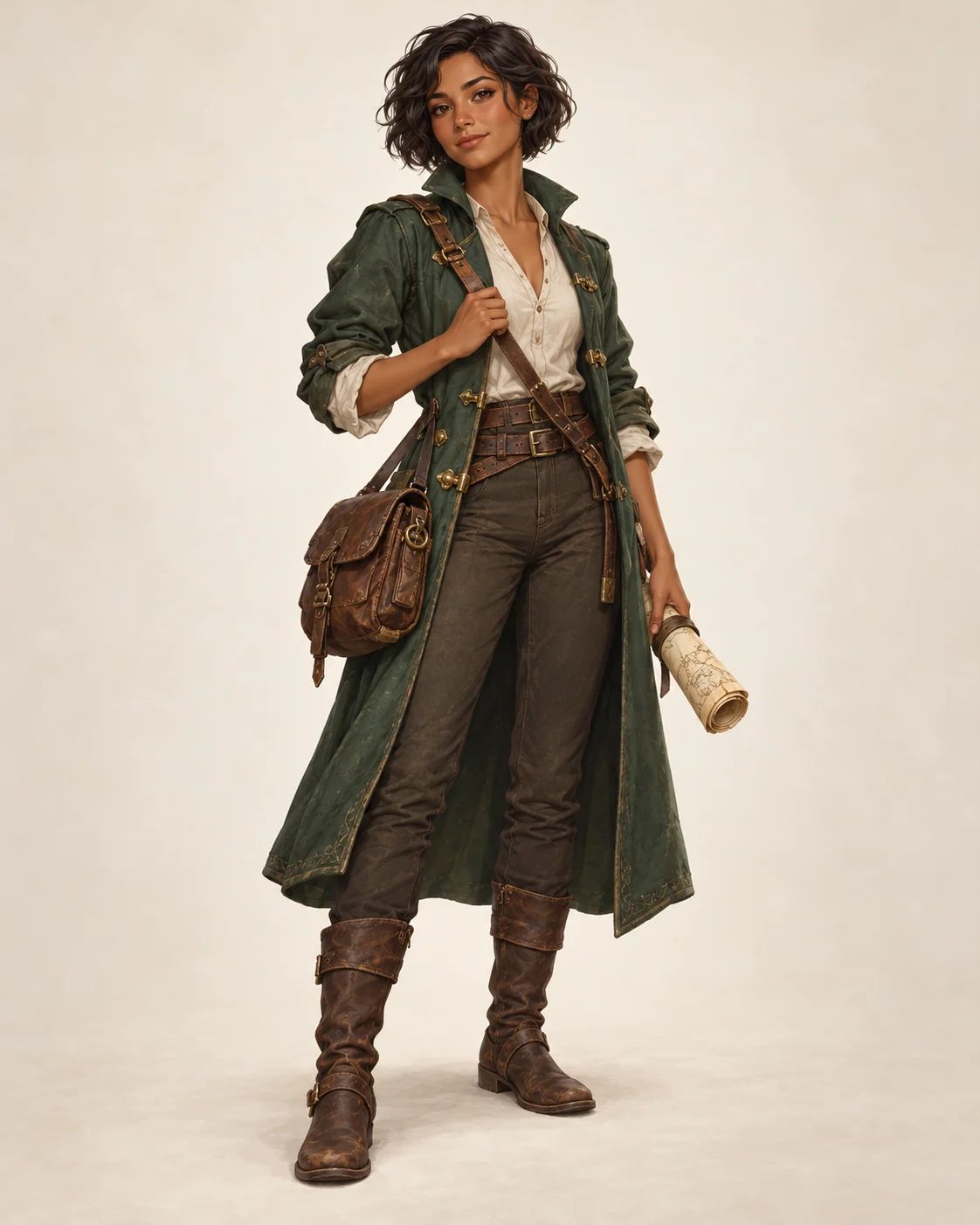
AI-created full-body concept illustration of Mira, an adult mapmaker
View full size

What is an AI Character Generator?

An AI character generator turns a written character idea or reference image into original character artwork. Start with a role, appearance, clothing, pose, and visual style, then refine the prompt around the image you need.

Create an original character

Describe a new character and make a portrait, avatar, or visual concept without starting from a finished design.

Use a reference image

Add an image when you want the result to take visual direction from an existing portrait or sketch. Details can change between generations.

Choose a focused character tool

This page is the broad starting point for character art. Use a specialized page when its format or style matches your brief.

Anime character maker

Create an original anime-style character from a prompt. Use Photo to Anime when the goal is to transform a photo instead.

Semi-realistic character generator

Guide an illustrated character toward more believable anatomy, face volume, materials, and lighting.

Character design sheet

Make a visual reference with requested views, expressions, outfit details, or poses.

FAQ

What is an AI character generator?

An AI character generator creates character artwork from a text prompt or reference image. It can produce original characters, OC portraits, avatars, semi-realistic concepts, expression sheets, pose references, and character design sheets depending on the selected preset.

Can I use my own image as a character reference?

Yes. A reference image can guide the visual direction, such as hairstyle, clothing, palette, or facial features. The result may change those details and should be reviewed before use.

Can the AI character generator create a character design sheet?

Select a design sheet preset to request views, expressions, or poses. Review the image to confirm the panels are present and readable.

What should I include in an AI character prompt?

Include the character role, face, hairstyle, outfit, pose, expression, lighting, background, rendering style, camera framing, and consistency rules. If you choose a preset, edit those fields instead of replacing the whole prompt.

What makes a semi-realistic character prompt work?

A strong semi-realistic prompt balances believable anatomy and face volume with stylized hair, expressive eyes, readable silhouette, designed clothing, and clear lighting constraints.

Where does the generated image appear?

Generation starts on the tool page. After the result is ready, the page automatically opens the workbench output area, where you can review and download the image.

Ready to create with AI Character?

Choose a direction, refine the prompt, and generate your version.

Start with this idea