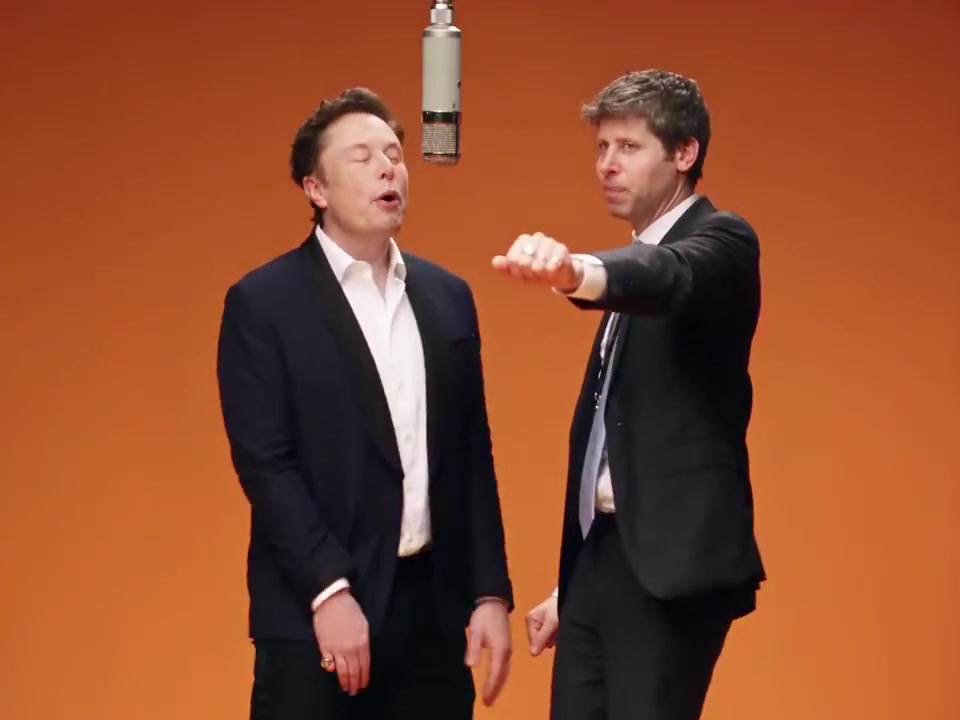
The track arrives
The track gives later party edits their late-night mood.
Use one photo to step into a chandelier-lit party. This 10-second vertical clip follows your entrance as the crowd joins in, then ends with a glance back at the camera.
Add one clear portrait. We’ll build the party around your photo, from the entrance to the moment the crowd joins in.
JPG, PNG, or WebP · Up to 10 MB. A clear, front-facing portrait works best.
It’s a party-scene character swap: creators put a new lead into a chandelier-lit room, then let the camera and crowd carry the moment. The fun is seeing a familiar face suddenly take over the party.
The track gives later party edits their late-night mood.
Character-swapped party clips start circulating on X.
The format picks up as people step into the scene themselves.
Upload one portrait. The effect sets the party scene and camera sequence for you.
Choose a clear photo of the person who’ll take the lead at the party.
Check the credit estimate shown with the button before heading to the workbench.
Your photo will be waiting in the workbench. Start generation there, then preview or download the finished clip from your video history.
The camera follows the lead from the entrance to a room-wide celebration, keeping the clip centered on one person.
Your portrait takes the lead in the party scene.
Warm chandelier light and a lively crowd bring the party to life.
Every clip is 10 seconds, vertical 9:16, and 720p.
One portrait photo. Use a clear image of the person you want as the lead performer.
The effect creates a 10-second vertical video in 9:16 format at 720p.
The generated clip includes audio, but the original track is not embedded. Add the song in your editor if you want to match the trend.
A front-facing, well-lit portrait with visible hair and clothing gives the scene a clear lead to build around.
Once the job is complete, open your video history to preview or download the clip.