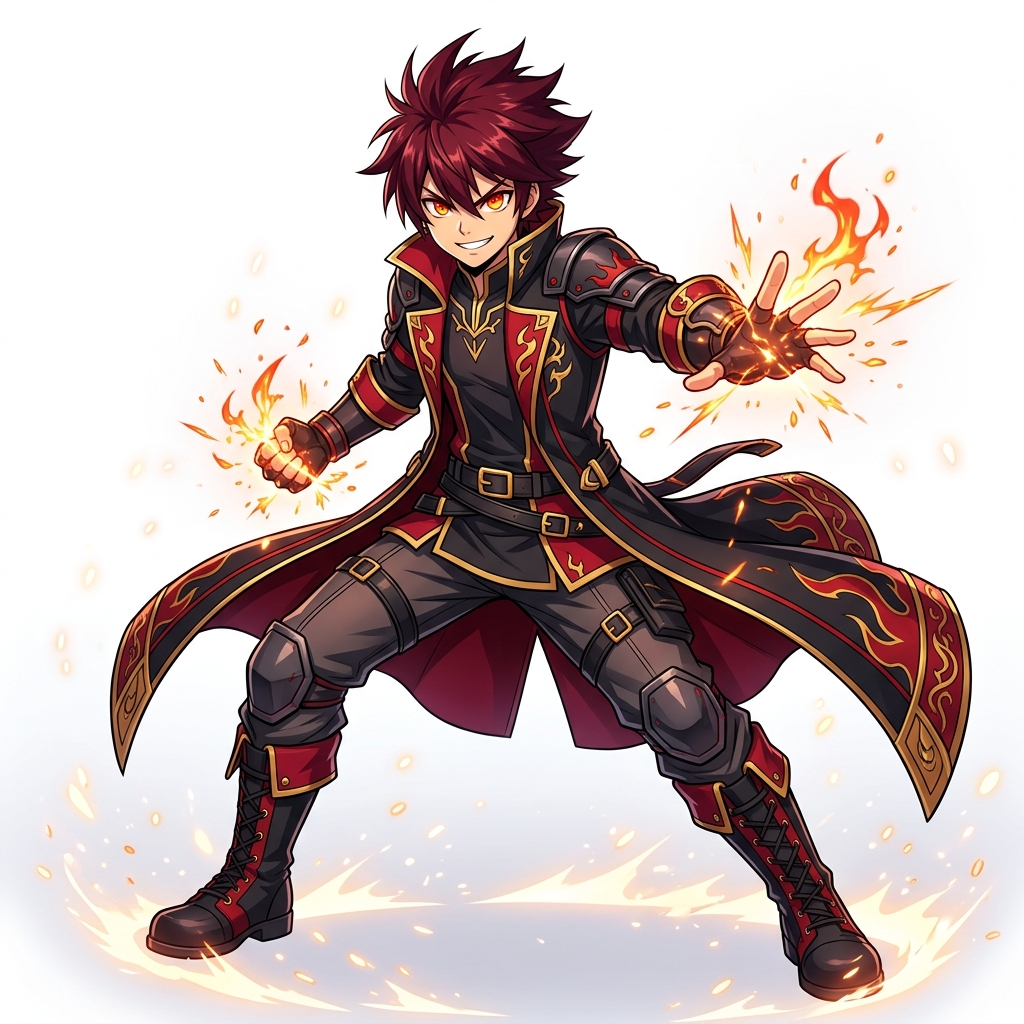
What is an Anime Character Maker?
An anime character maker creates original anime-style character artwork from a written description or reference image. This page is for designing a character; Photo to Anime is the focused tool for transforming an existing photo into an anime-style image.
Describe a new character
Set the character’s role, appearance, clothing, expression, pose, and background in the prompt.
Choose an anime direction
Start with shonen, shoujo, mecha, chibi, or fantasy presets, then adjust the details to fit your idea.
Use a reference as guidance
Upload a reference image to guide visual details. The generated face, outfit, and composition may vary.
How to Design an Anime Character
Start with the character's role and silhouette, then add a few details that make the design readable at a glance.
1. Choose a starting style
Select a shonen, shoujo, mecha, chibi, or fantasy direction that matches the character concept.
2. Describe defining details
Name the hairstyle, outfit, expression, pose, signature prop, and color palette. Keep the first prompt focused on the details that matter most.
3. Set the composition
Specify portrait or full-body framing, the character's action, and a simple background that supports the design.
4. Review and refine
Check the generated image against your brief and revise the prompt where the pose, clothing, or expression needs a different direction.
Anime Character Design Prompt Checklist
For a focused prompt, combine the character role, age range, silhouette, hair, clothing, expression, pose, palette, background, and framing. A visual reference can guide the design, but generated details may vary; it is not a substitute for a layered or rig-ready character file.